
Here For You...







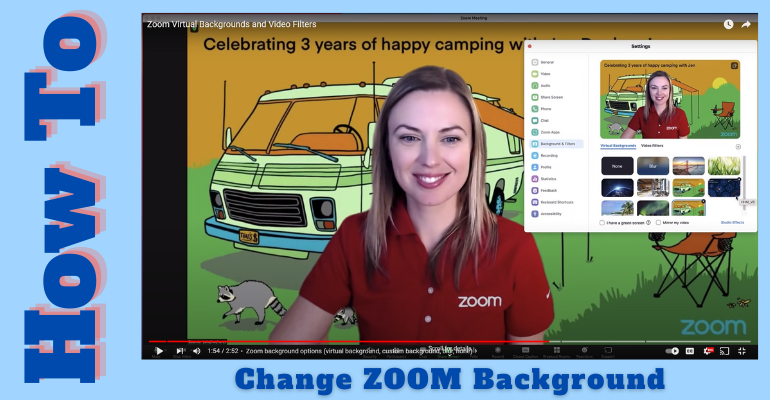
This brief summary assumes you have connected to Zoom and want to change your background. Here is a video with more details and more options from which to choose. The screenshots below are taken from the video.
When connected…
- Hover at the bottom of your zoom window. A menu bar will pop up.
- Hover over the VIDEO BUTTON and click on the UP ARROW.

- You will be taken directly to Background and Filters

- From the popup window, you can select from the images provided or upload your own.
- Navigate to the folder where your image is stored.

- Once it is uploaded, you will see a preview.
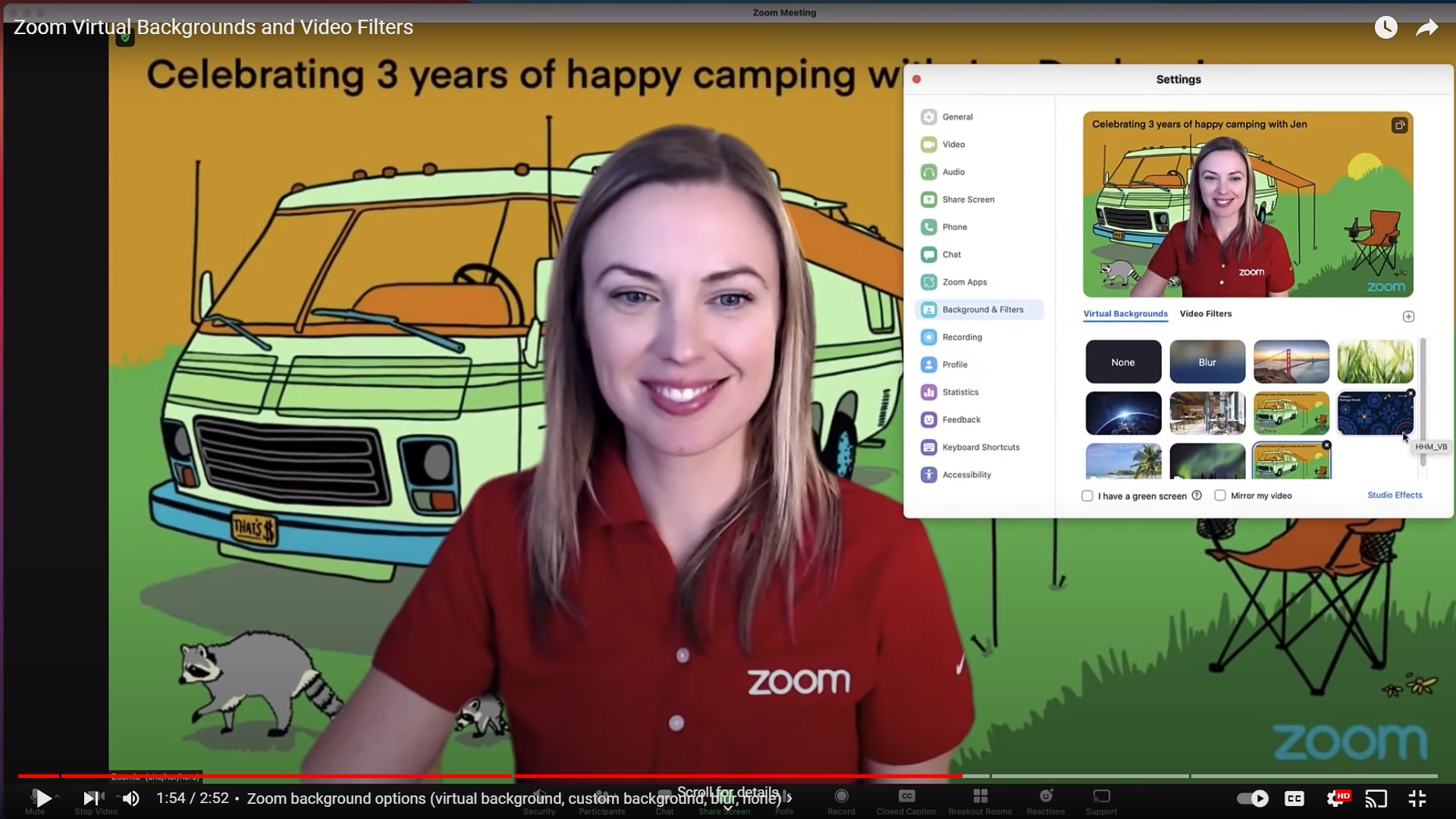
- When you are happy with your final choice, just close the pop-up window.
Happy Zooming.